Most temple offices still run on a mix of counter receipt books, Excel sheets and a separate accounting package. It works — until festival crowds arrive, an auditor asks for a reconciliation, or the trust board wants to know how much was collected for annadan last month. Good temple management software replaces that patchwork with one system. Choosing the wrong one, though, can lock a trust into years of workarounds.
Here is the checklist we walk trustees through before they decide — whether or not they choose us.
1. Bookings, darshan and seva
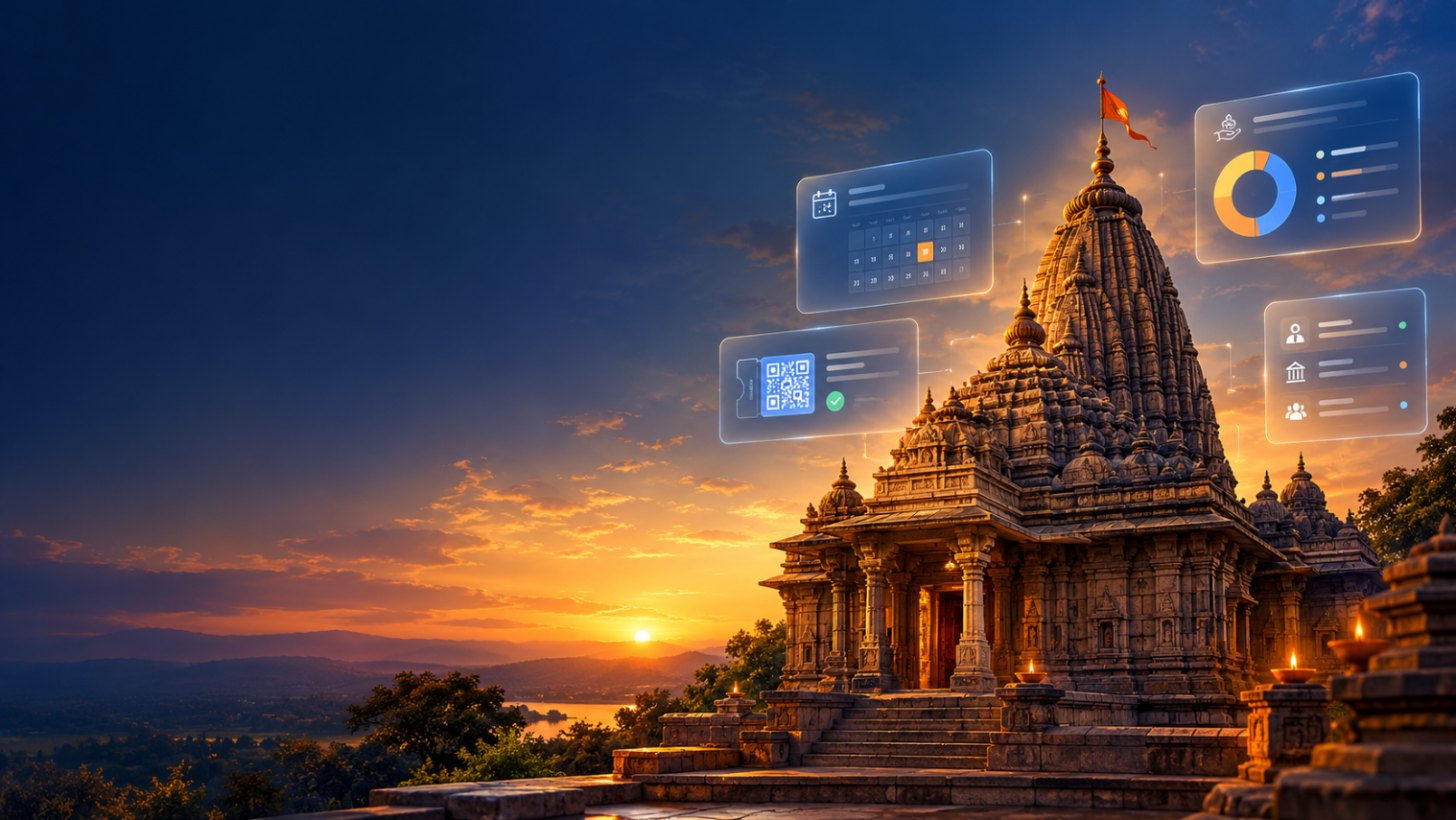
- Can devotees book pujas, abhishekams, rooms and darshan slots online and at the counter — from the same calendar?
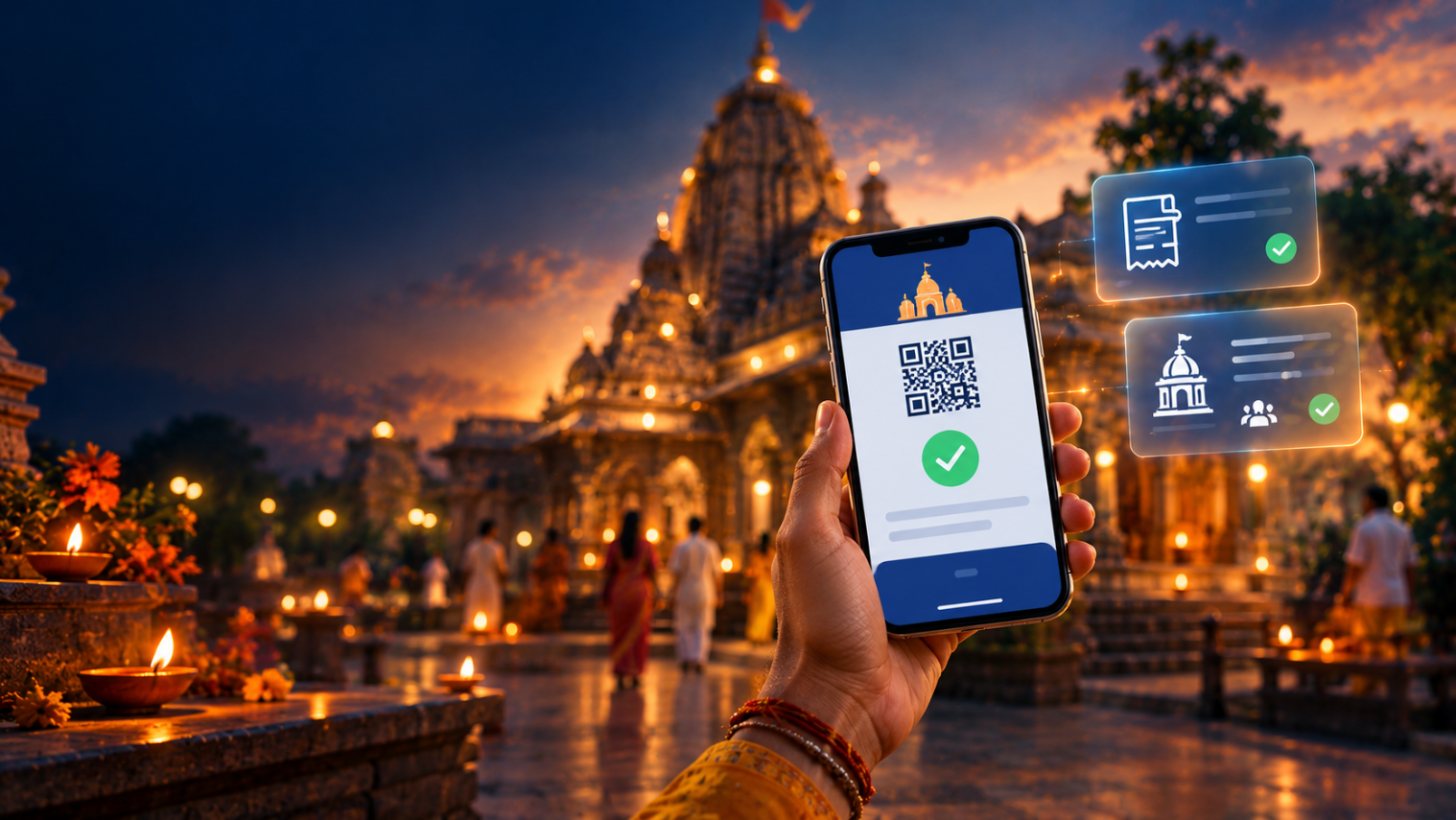
- Are QR passes issued automatically and scanned at entry, with refunds and re-issue handled cleanly?
- Can you set limits per slot so festival days don’t get overbooked?
2. Donations and receipts
- Does every donation — UPI, card, cash, cheque — land against one devotee record?
- Are 80G-eligible receipts generated automatically with the trust’s registration details?
- Can you run festival campaigns and see collections by purpose (annadan, gau seva, construction) in real time?
3. Prasad store, inventory and purchases
Prasad and pooja samagri are where small leaks add up. Look for stock tracking with ageing, vendor and purchase-order management, and consumption reports that show cost per item — not just sales.
4. Staff, priests and volunteers
Duty rosters, leave, biometric attendance and payroll should connect to the same system, so the accounts team isn’t re-typing attendance every month.
5. Accounts and audit
Ask to see the day-end report and the trial balance. Collections from every counter and channel should reconcile automatically, and every edit should leave an audit trail. If the vendor can only show you a pretty dashboard, keep asking.
6. Security, hosting and data ownership
- Is the vendor certified (for example ISO/IEC 27001) and can they explain backups, encryption and access control in plain language?
- Can you choose cloud or on-premise deployment?
- Who owns the data, and how do you export it if you ever leave?
7. The questions to ask every vendor
- Which temples of our size and type already use this — can we speak to one?
- How long does migration from our current records take, and who does it?
- What happens at the counter when the internet goes down?
- Which languages are supported on receipts and SMS?
- What exactly is included in the annual support fee?
- How are software updates delivered, and how often?
The right software should make the temple office quieter on the busiest day of the year — not add another screen to manage.
Divya Mandir is used by trusts ranging from neighbourhood mandirs to some of Maharashtra’s largest devasthans. If you’d like to test it against this checklist, book a demo and bring your hardest questions.